New feature: Work Blocks
by Christina Yang · 1 min readNew feature: Work Blocks
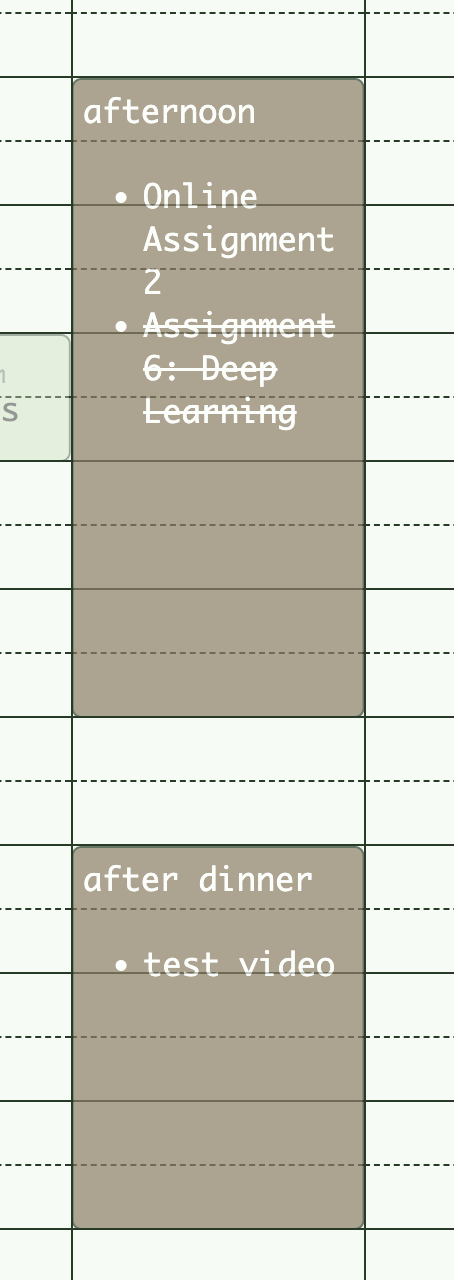
Create work blocks, and drag tasks directly into them!
See video demo here
Instructions
There are two ways to create Work Blocks:
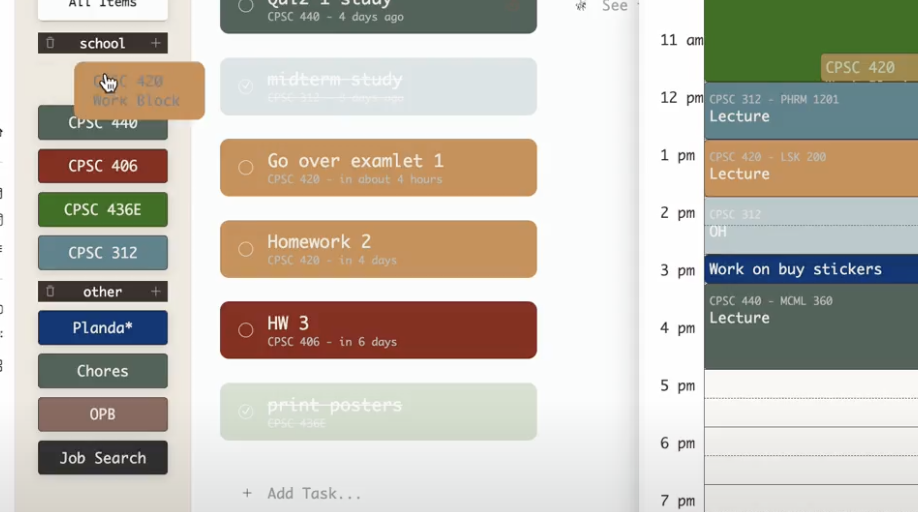
- Drag a category directly onto your calendar.
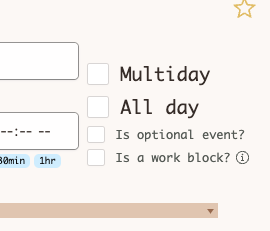
- Check the 'Is a work block' checkbox when creating a new event.
To add a task to a work block, drag the task onto the work block.
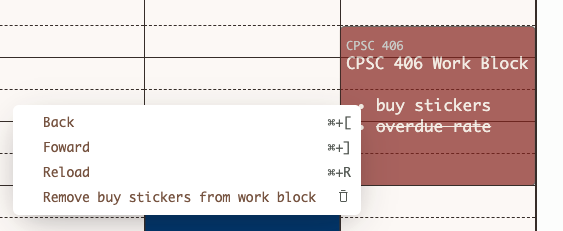
To remove a task from a work block, right click it, and select 'Remove from work block'.