Separate out today's TODOs
by Christina Yang · 1 min readToday's list
Separate out today's TODOs from the rest of your tasks and events by clicking on the "Today" button in the top right corner of the task list.
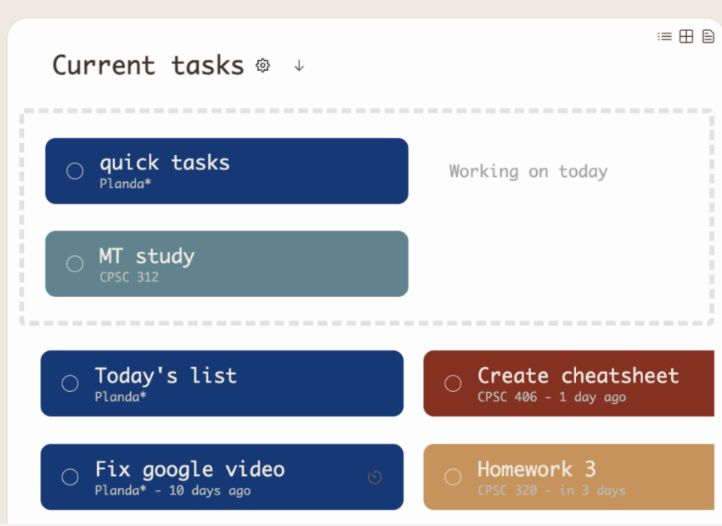
You can drag tasks into the today's section to make them appear in the "Today" list, but you must have at least one task in the "Today" list already for it to appear.
Any task you have dragged onto your calendar for today will also appear in the "Today" list.
Reminder, you can drag tasks onto your calendar by clicking on the following icon on the top left of your page, and dragging your tasks directly onto the calendar:

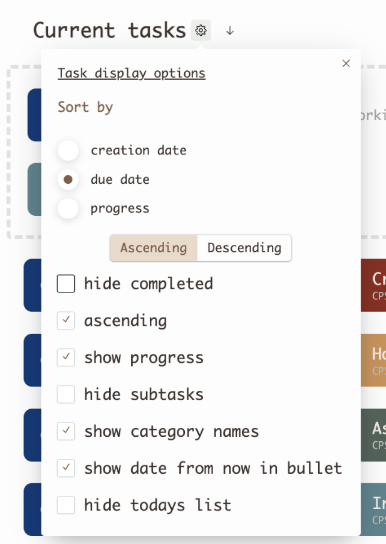
Opt out by checking "hide todays list"